The #1 Minecraft Pixel Art Generator
Transform any image into Minecraft blocks, map art, and schematics. The ultimate Image to Minecraft Converter with 3D preview, custom palettes, and blueprint exports.
Core Features
Create Perfect Pixel Art
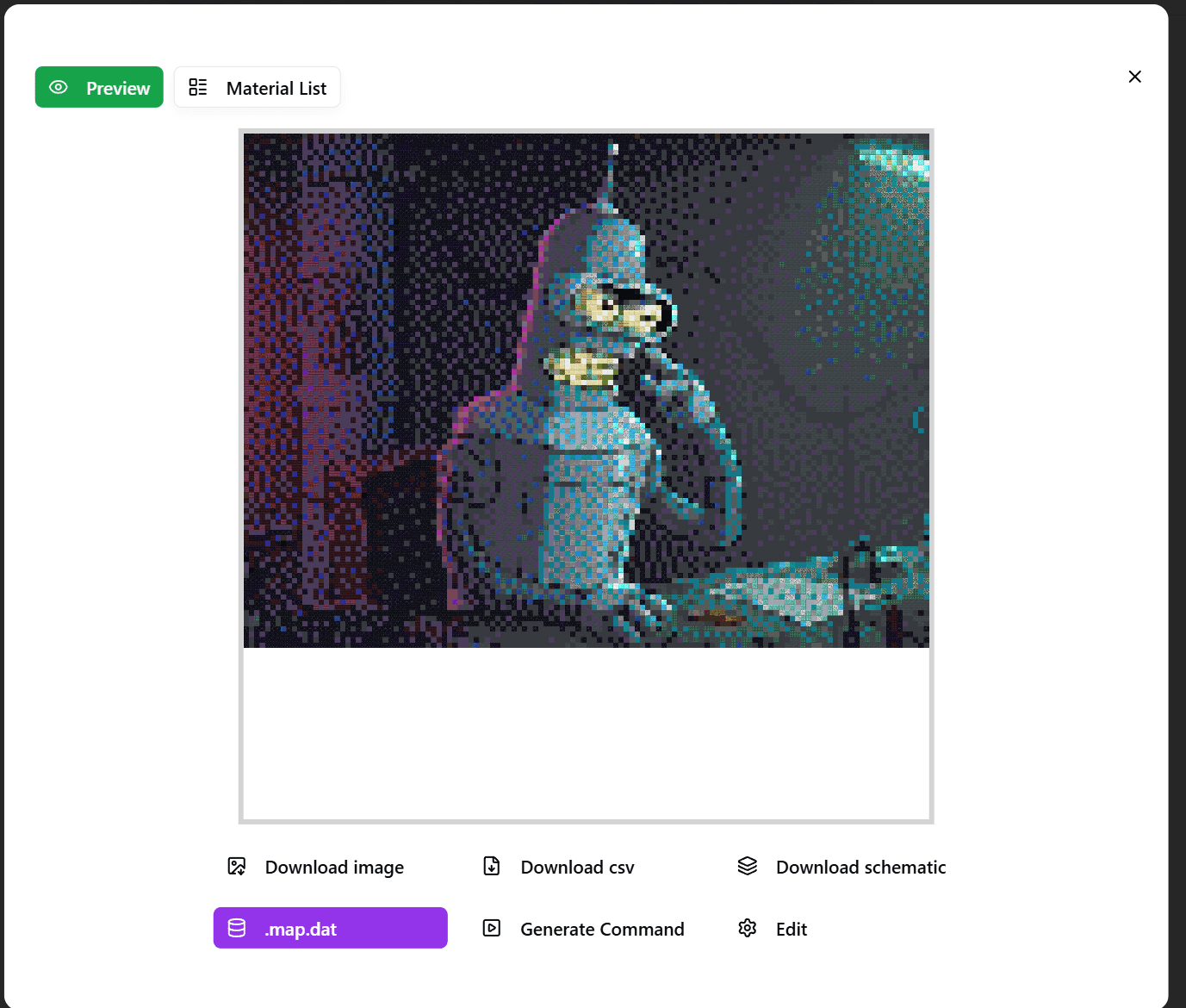
Minecraft Image Converter provides a complete suite of tools to help you easily convert images into Minecraft map art and import them into the game.
Core Features
Minecraft Image Converter provides a complete suite of tools to help you easily convert images into Minecraft map art and import them into the game.
What Our Users Say
AlexCrafter
Map Art Builder
This Minecraft pixel art generator is exactly what I needed. It makes creating map art so much easier by automatically converting images into blocks.
PixelMaster_99
Server Admin
I use this tool to turn photos into Minecraft blocks for our server lobby. The block palette customization is a game changer for survival builds!
BuilderSarah
Creative Builder
The best image to Minecraft converter I've found. It handles large images perfectly and the schema export is super helpful.
Why Use Our Minecraft Pixel Art Generator?
The Best Minecraft Image to Block Converter
Our **Minecraft Pixel Art Generator** is designed for players who want to turn their favorite photos into in-game masterpieces. Whether you're building a massive map art wall or a vertical statue, our tool converts pixels to blocks with incredible accuracy. Unlike other tools, we offer advanced features like **3D staircase mode** (which triples the available color palette) and direct litematic/schematic exports.
Create Stunning Minecraft Map Art
Map art is one of the most popular forms of creativity in Minecraft servers. By using our **online map art tool**, you can create custom paintings, logos, and posters. Simply upload an image, select 'Flat (2D)' mode, and download the schematic. Our dithering algorithms ensure your image looks photo-realistic even with the limited Minecraft color palette.
Blueprints & Schematics
Stop counting blocks by hand. We generate precise **Minecraft blueprints** and **material lists** for you. If you use Litematica or WorldEdit, you can import our generated `.litematic` or `.schem` files directly into your world and start building instantly.
FAQ
Frequently Asked Questions